

Every website owner eventually runs into the same question: how do you make a digital product usable for everyone, including people with disabilities? Accessibility issue fixing is the process that answers this question, and it has become a core part of building websites and applications that meet WCAG standards. Whether you run an e-commerce store, a SaaS platform, or a corporate website, ignoring accessibility can shut out a large group of potential users and expose your business to legal risk. This article walks through practical, proven ways to identify and resolve accessibility problems so your digital presence stays compliant and inclusive.
Why Accessibility Issue Fixing Matters Today
Accessibility is no longer an optional extra bolted on at the end of a project. Governments around the world have tightened digital accessibility laws, and WCAG has become the benchmark most regulators point to when evaluating compliance. Beyond the legal angle, accessible design improves usability for all visitors, not just those relying on assistive technology. Faster load times, clearer navigation, and more readable content benefit every user, regardless of ability. Businesses that treat accessibility as a routine part of development tend to avoid the costly redesigns and emergency remediation projects that come from neglecting it early on.
How to Identify Accessibility Issues
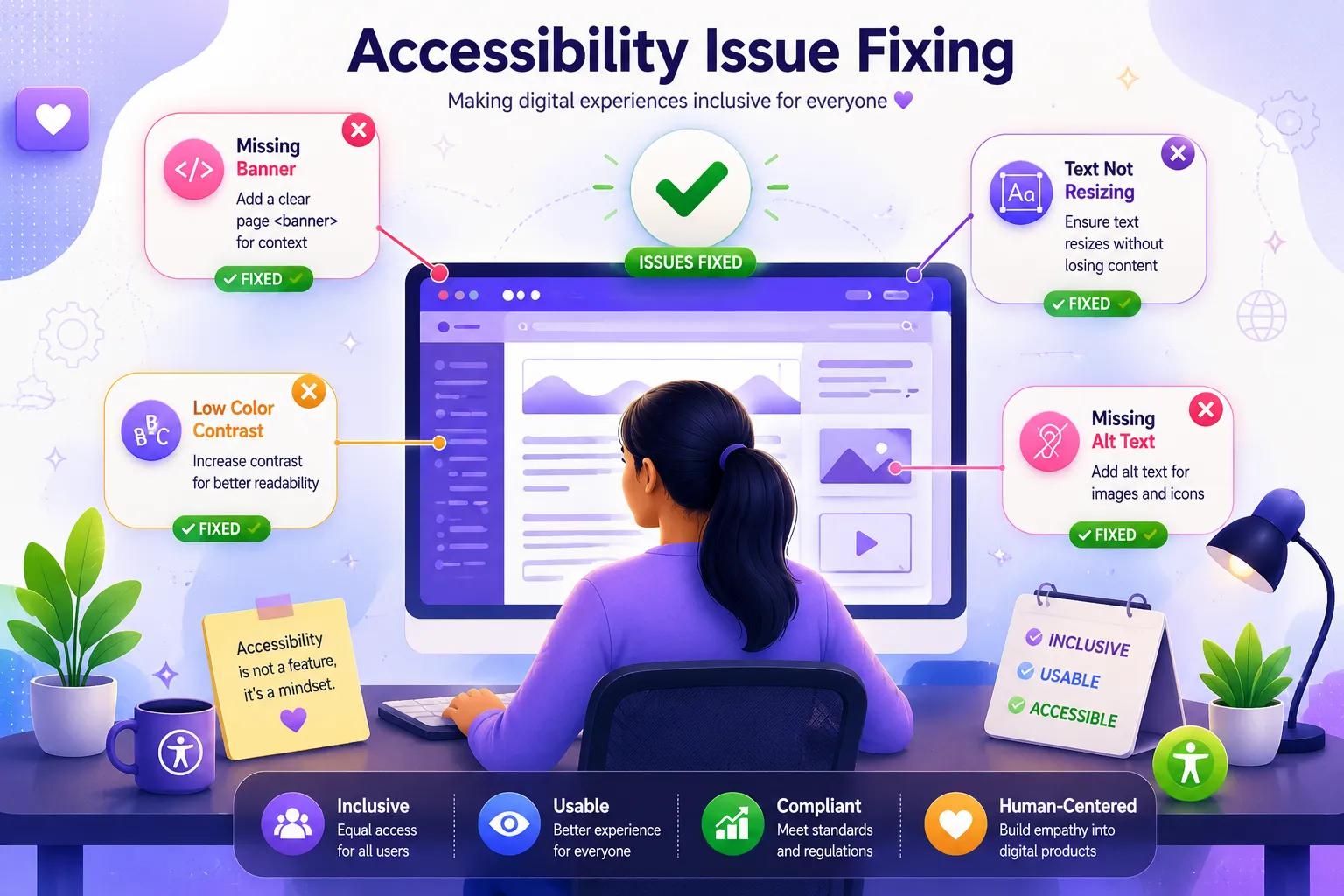
The first step in any remediation process is knowing what to look for. Common problems include missing alternative text on images, poor color contrast, keyboard traps that prevent users from navigating with a keyboard alone, unlabeled form fields, and inconsistent heading structures that confuse screen reader navigation. Manual testing, screen reader walkthroughs, and automated scanning tools all play a role in a well-rounded audit. A thorough review should combine automated checks with human review, since automated scans are excellent at catching structural errors but often miss context-based issues that only a real user would notice. Documenting each issue alongside its corresponding WCAG success criterion helps teams prioritize what needs attention first.
Practical Steps to Fix Accessibility Issues
Once problems are identified, the next challenge is fixing them without breaking existing functionality elsewhere on the site. Start with high-impact fixes such as adding descriptive alt text, ensuring all interactive elements are reachable and operable by keyboard, and correcting color contrast ratios to meet minimum thresholds. Form fields should always have visible labels tied directly to their inputs, and error messages need to be announced clearly to screen readers so users understand what went wrong and how to correct it. Semantic HTML elements should be used wherever possible instead of generic containers like generic divs, since screen readers and other assistive technologies rely on proper structure to convey meaning and hierarchy to the user.
Another important part of fixing accessibility issues well is testing changes across multiple assistive technologies, not just one screen reader or browser combination. What works well in one environment may still fail in another, so cross-testing matters. Building a checklist based on WCAG success criteria and reviewing it after every major release keeps accessibility from slipping through the cracks as new features and design changes are introduced.
Building a Sustainable Accessibility Issue Resolution Process
Fixing problems once is not enough on its own. Sustainable accessibility issue resolution requires embedding checks into your development lifecycle from the very beginning. Train designers and developers on accessible design principles early, so fewer issues appear downstream. Set up recurring audits, especially after major feature releases or design overhauls, rather than waiting for an external prompt. Assign clear ownership so accessibility doesn't become an afterthought that only gets addressed when a complaint arrives. Tracking accessibility issues in the same system used for other bugs ensures they receive the same level of attention and follow-up as any other product defect.
Common Mistakes to Avoid
Many teams treat accessibility as a checkbox exercise, running a single scan and closing the ticket without verifying real-world usability. Others rely solely on automated tools, which typically catch only a limited portion of WCAG criteria and miss issues that require human judgment to catch. Skipping user testing with people who actually use assistive technology day to day is another frequent and costly gap. Long-term compliance depends on combining automated detection, manual review, and ongoing monitoring, rather than treating accessibility as a one-time cleanup project.
Take Action on Accessibility Today
Accessibility issue fixing is an ongoing commitment, not a single project with a defined end date. Organizations that build it into their regular workflow avoid last-minute scrambles before audits and create genuinely usable products for every visitor who lands on their site. If you're ready to move from occasional fixes to a structured, reliable process, the right tools and expertise make all the difference.
Tranistics Data Technologies Private Limited helps businesses simplify this entire journey. With the Tranistics Data Technologies accessibility-checker-tool, teams can identify accessibility issues quickly, understand exactly how to fix them against WCAG criteria, and maintain compliance as their digital products continue to evolve. Get in touch with Tranistics Data Technologies Private Limited today and start building a website that works for everyone.