Every website owner wants their platform to work for all visitors, yet many sites unknowingly shut out people with disabilities. Learning to identify accessibility issues is no longer optional in 2026; it is a core part of running a website that is usable, compliant, and competitive. Search engines, users, and regulators all reward sites that remove barriers, and the first step toward that goal is knowing exactly where those barriers exist.
Why Accessibility Issues Still Go Unnoticed
Most teams assume their site is accessible simply because it looks clean and works well on a desktop browser. But visual polish and functional usability are not the same thing. A missing alt tag, a low-contrast button, or a form field without a proper label won't stop a sighted mouse-user from browsing, but it can completely block someone relying on a screen reader or keyboard navigation.
This blind spot is compounded by the fact that most internal QA processes are built around visual review, not assistive-technology review. That gap is exactly why so many website accessibility issues remain hidden until a user complaint, an audit, or a legal notice finally brings them to light — often at a much higher cost than if they'd been caught early.
Common Types of Website Accessibility Issues
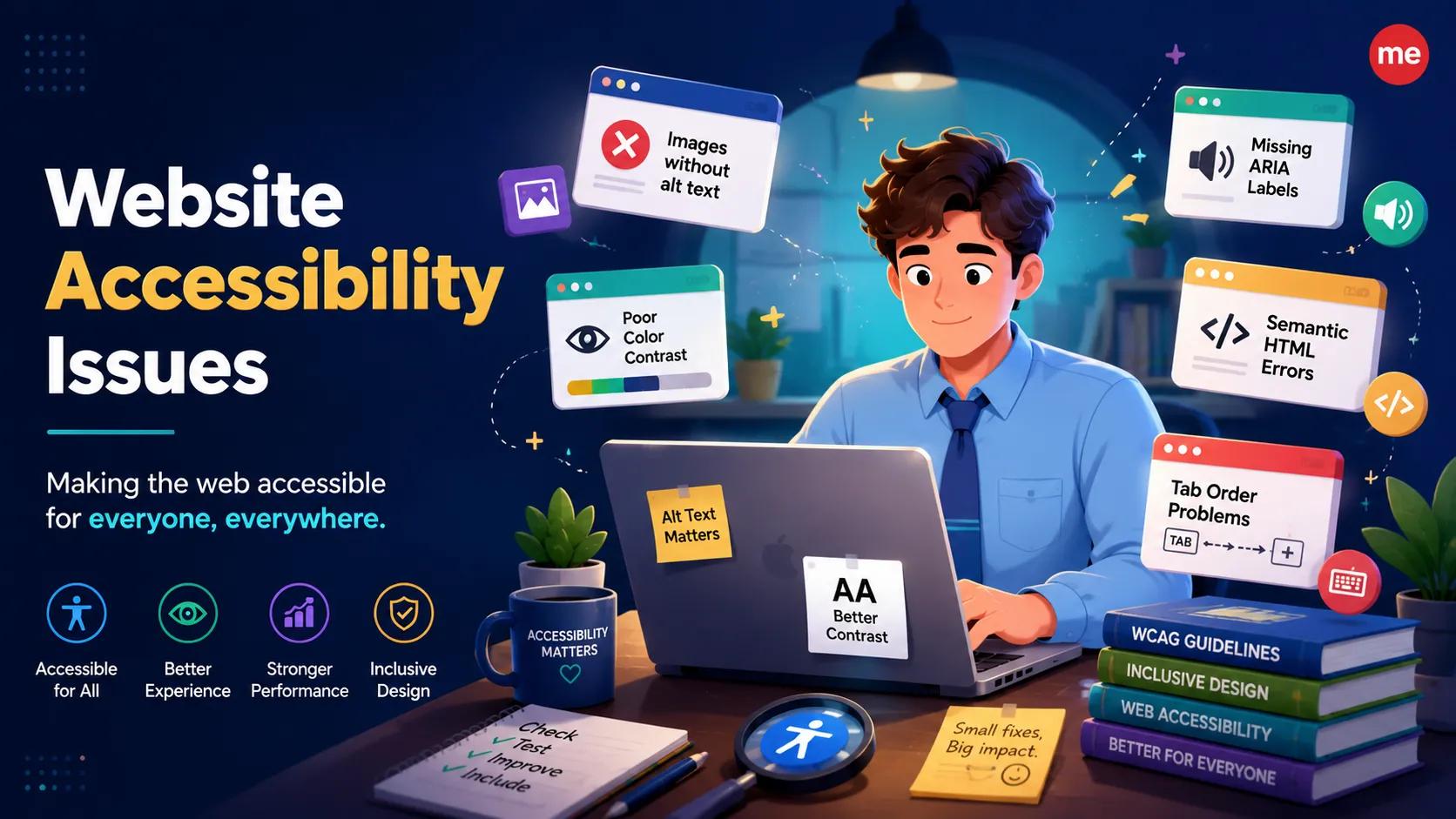
Accessibility problems generally fall into a handful of recurring categories. Images without descriptive alt text prevent screen reader users from understanding visual content. Poor color contrast makes text unreadable for users with low vision. Forms lacking clear labels confuse both assistive technology and everyday users. Non-descriptive links such as "click here" fail to give context when read out of sequence. Videos without captions exclude users who are deaf or hard of hearing. Keyboard traps stop users who cannot operate a mouse from moving through a page at all.
Recognizing these patterns is the foundation of any accessibility review, and understanding why each one causes harm helps teams prioritize fixes that genuinely improve the experience rather than ones that merely satisfy a checklist.
How to Identify Accessibility Issues Effectively
Manual testing has real value, but it's slow and easy to get wrong at scale. This is where an accessibility checker tool becomes essential. A reliable scanner crawls your site, checks it against recognized accessibility standards, and produces a clear report showing exactly what needs attention — no guesswork required.
Rather than manually hunting for problems page by page, teams get a structured list ranked by severity, along with the specific element responsible for each issue. This is especially valuable for large websites with hundreds or thousands of pages, where manual review of every page simply isn't realistic.
Automated scans catch a large share of common problems quickly and consistently. Manual checks by a real user or tester, meanwhile, catch the more nuanced issues that automation tends to miss — things like whether an alt description conveys the right meaning, or whether a workflow makes sense to someone navigating by keyboard alone. Combining both approaches gives the most complete picture of where your site currently stands.
How to Fix Accessibility Issues Once Identified
Finding problems is only half the job. Once an audit or scan highlights the issues, teams need a clear, prioritized plan. Start with barriers that block core functionality, such as broken forms or unreachable navigation menus. Move next to content-level issues like missing alt text or unclear headings. Finally, refine smaller details such as color contrast ratios and link phrasing.
It also helps to build accessibility checks into your regular development workflow rather than treating it as a one-time project. Websites change constantly, with new pages, new content, and new features added every month. Without ongoing monitoring, previously fixed issues can quietly return, and new ones can slip in unnoticed.
Why This Matters More in 2026
Regulatory expectations around digital accessibility have grown stricter, and users have grown less patient with sites that exclude them. A business that treats accessibility as a checkbox exercise risks losing customers, facing complaints, and falling behind competitors who take usability seriously. A site that is genuinely easy for everyone to use, on the other hand, builds trust, improves user experience across the board, and often sees stronger engagement and search visibility as a result.
Take the Next Step Toward an Accessible Website
Identifying accessibility issues doesn't have to be a guessing game. With the right process and the right tool, you can move from uncertainty to a clear, actionable plan. Tranistics Data Technologies Private Limited helps businesses take control of their website accessibility through its accessibility-checker tool, designed to scan your site, surface real issues, and guide you toward practical fixes. If you're ready to make your website accessible to every visitor, get in touch with Tranistics Data Technologies Private Limited today and start building a site that truly works for everyone.