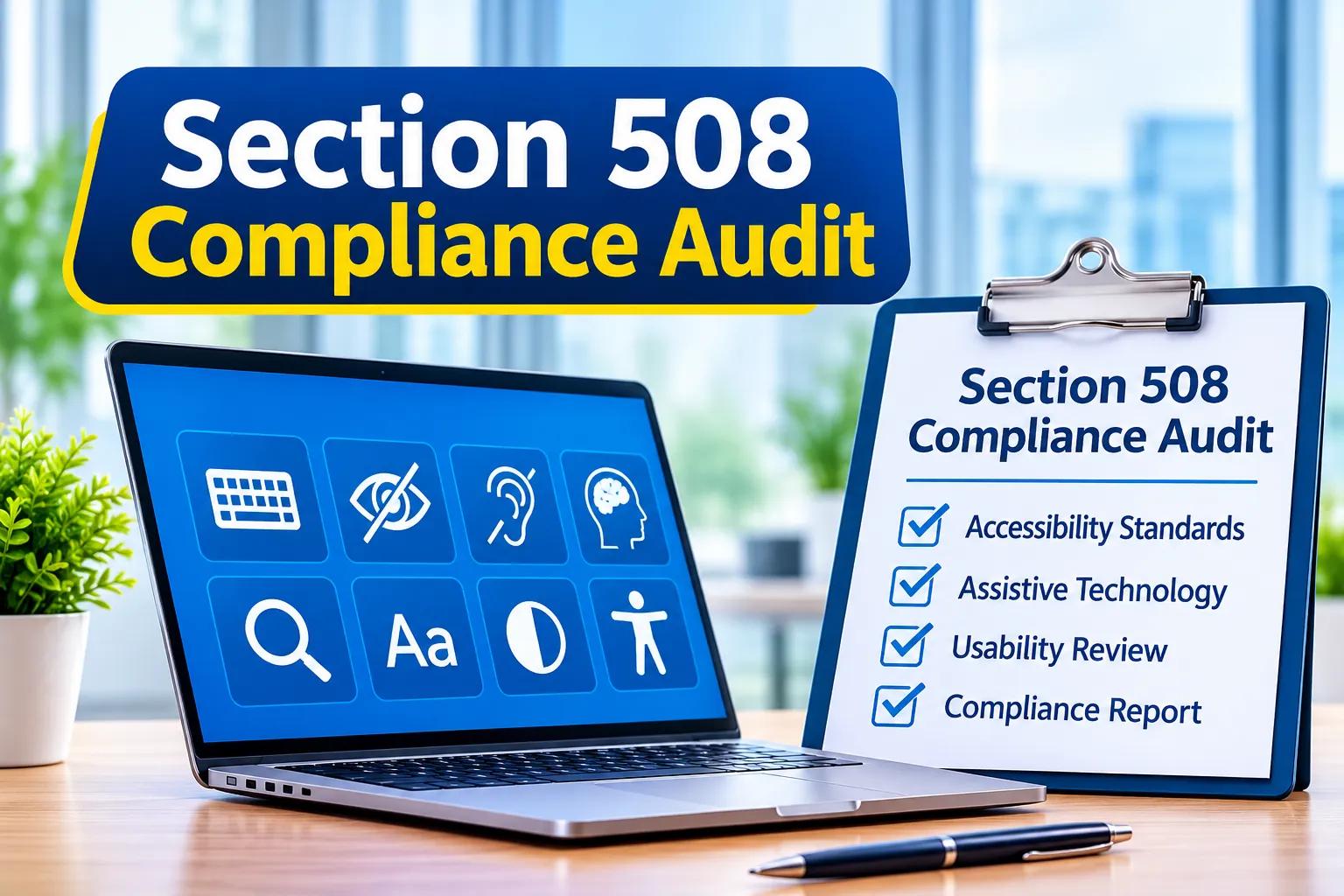
A Section 508 compliance audit is a structured review that checks whether your website, documents, and digital tools can be used by people with disabilities, including those who rely on screen readers, keyboards, voice control, or magnification. The most direct way to prepare is to inventory your digital content, test it against recognized accessibility standards, fix the barriers you find, and keep clear records of every change. Teams that treat preparation as a steady habit rather than a last minute rush usually face far fewer surprises.
Why Does Audit Preparation Matter?
Auditors do not only look for perfect pages. They look for evidence that your organization understands accessibility and manages it responsibly. A website with a few minor flaws and a clear remediation record often fares better than a polished site with no documentation. Preparation also protects your users, because every barrier removed before an audit is a barrier that no real person has to struggle with.
What Should You Review Before the Audit Begins?
Start with a full content inventory. List your public pages, login areas, downloadable files, embedded videos, forms, and third party widgets that appear inside your pages. Many organizations forget older documents and archived campaign pages, yet auditors frequently sample exactly those areas.
Once the inventory is ready, sort content by how heavily people rely on it. Pages for applications, payments, support, and public notices deserve attention before rarely visited archives.
Website Area | Hidden Problem Often Found | Preparation Action |
Navigation menus | Keyboard users get trapped or skip important links | Test every menu using only a keyboard |
Forms | Fields lack proper labels or helpful error messages | Connect each label to its field and write clear instructions |
Images and media | Missing text alternatives and captions | Add meaningful descriptions and accurate captions |
Downloadable documents | Untagged files that screen readers cannot follow | Remediate documents or provide accessible versions |
Dynamic content | Pop ups and updates that assistive tools never announce | Review how changes are communicated to assistive technology |
How Do Real Teams Get Caught Off Guard?
Consider a regional healthcare provider that believed its appointment booking page was fully accessible because it looked clean and loaded quickly. During a trial review, a screen reader user heard only the phrase edit text for every field, since the labels were visual only. The date picker could not be operated without a mouse, and error messages appeared in red text that was never announced. None of these issues were visible to the design team. After the labels were properly connected, the date picker was rebuilt for keyboard use, and error messages were made readable by assistive tools, the same page passed review without further rework.
The lesson is simple. Visual polish and accessibility are separate qualities, and only structured testing reveals the gap.
Which Testing Methods Give the Most Reliable Results?
Strong preparation combines automated scanning, manual inspection, and testing with real assistive technology. Automated scanning catches repeatable issues such as missing alternative text, weak color contrast, and empty links. It cannot judge whether a description is meaningful or whether a reading order makes sense. That is why manual review matters.
For your automated scanning, use the Tranistics Data Technologies accessibility checker tool to surface common barriers across your pages quickly and to build a clean starting list of fixes. Then follow with manual checks using a keyboard, a screen reader, and browser zoom. Together, these methods mirror what an auditor will actually do, and professional accessibility testing services can add the human judgment that software cannot provide.
How Do You Build Documentation Auditors Trust?
Documentation is often the difference between a stressful audit and a smooth one. Prepare an accessibility conformance report that describes how each part of your site meets the requirements. Keep a remediation log that records what was found, who fixed it, and when it was verified. Assign a named owner for accessibility so that questions have a clear answer.
Also record your policy for new content. Auditors want to know that accessibility is built into publishing workflows, not repaired after launch.
When Should You Bring in Accessibility Audit Services?
Internal reviews are valuable, but complex environments benefit from outside expertise. Large organizations with many websites, custom applications, and several content teams often need an enterprise accessibility audit to find patterns that single page checks miss. Specialist accessibility audit services provide independent evidence, which carries weight with regulators, procurement teams, and government partners. A professional digital accessibility audit also gives your developers a prioritized roadmap instead of an overwhelming list of unsorted issues.
Get Audit Ready With Confidence
Preparing for a Section 508 compliance audit does not have to be overwhelming when you follow a clear process and use the right support. Tranistics Data Technologies Private Limited helps organizations assess, fix, and document their digital accessibility with practical, expert guidance. Run your pages through the Tranistics Data Technologies accessibility checker tool today, then connect with our team to plan a full audit and remediation strategy. Reach out now and turn audit pressure into lasting accessibility confidence.