
Making your website accessible is no longer optional, it is a necessity. In 2026, more businesses are realizing that Quick Accessibility Fixes can transform how users interact with their websites while also improving search visibility. Whether you run a small blog or a large ecommerce store, small accessibility improvements can make a big difference for millions of users who rely on assistive technology to browse the web comfortably.
Accessibility touches every part of the user journey, from the first click on a search result to the final step of checking out. When even one part of that journey is difficult to navigate, visitors are far more likely to leave and never return.
Why Web Accessibility Matters More Than Ever
Search engines now reward websites that offer a smooth experience to every visitor, including people with visual, auditory, cognitive, or motor impairments. Ignoring website accessibility issues can lead to lost traffic, poor user engagement, and even legal complications in certain regions. Beyond compliance, accessibility is simply good design. A website that works for everyone tends to convert better, rank better, and build stronger trust with its audience.
As more people browse on mobile devices, use voice assistants, or rely on screen readers, the definition of a "good user experience" keeps expanding, and businesses that adapt early tend to stay ahead of both their competitors and shifting regulations.
Common Website Accessibility Issues
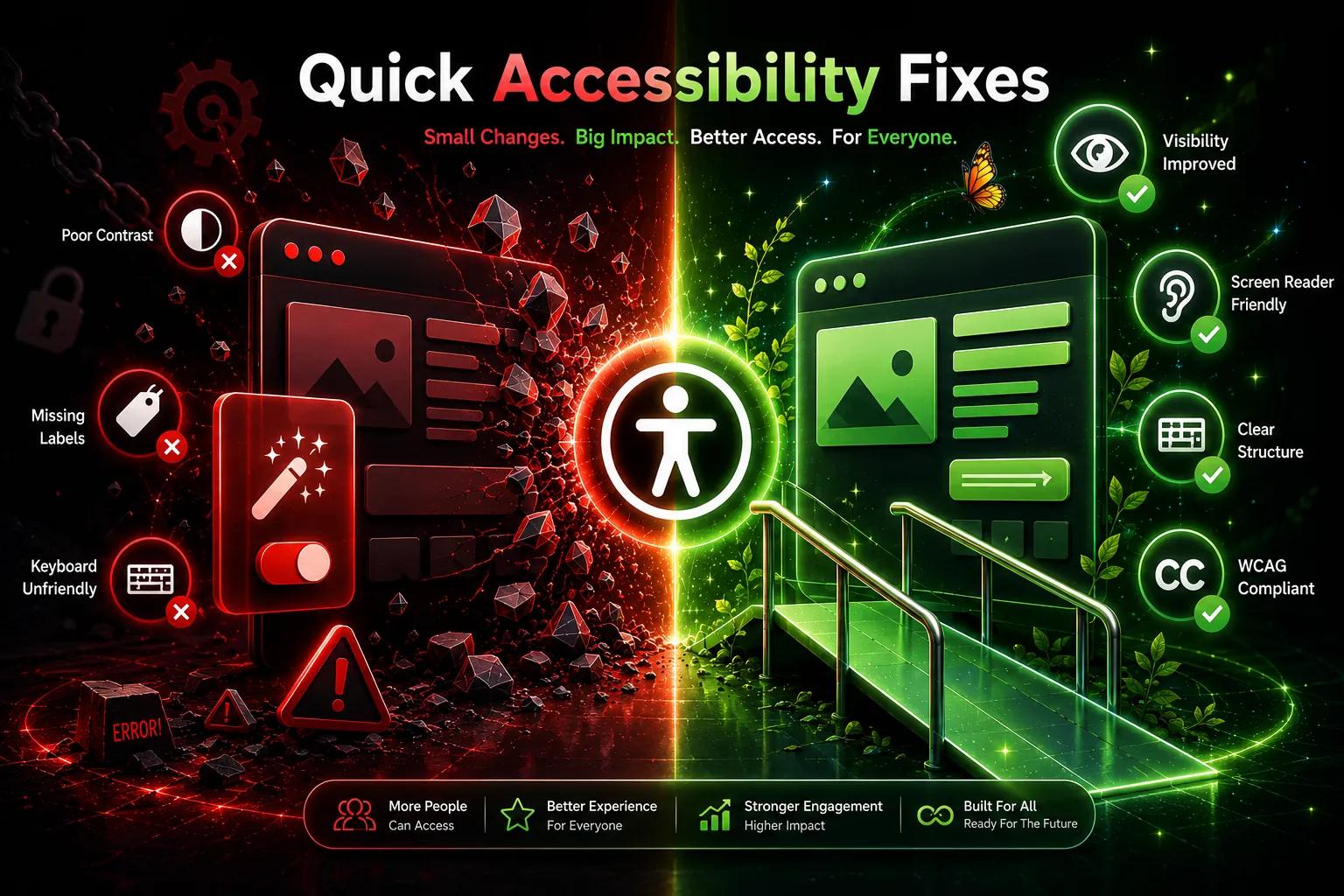
Before diving into fixes, it helps to understand where most sites go wrong. Some of the most frequent problems include:
Missing alt text on images
Poor color contrast between text and background
Non descriptive link text such as "click here"
Forms without proper labels
Videos without captions or transcripts
Keyboard navigation that does not work properly
Inconsistent heading structure across pages
These issues might seem small individually, but together they create major barriers for users who depend on screen readers or keyboard only navigation. A single missing label or unclear link can stop someone from completing a purchase or finding the information they came for.
Quick Accessibility Fixes You Can Apply Today
The good news is that accessibility issue fixing does not always require a full website redesign. Many improvements can be made quickly and still create a noticeable impact.
Add descriptive alt text to every image so screen readers can explain visual content clearly
Improve color contrast so text remains readable for users with low vision
Replace vague link phrases like "click here" with clear, descriptive text
Label all form fields properly so users understand what information is required
Add captions to videos and transcripts to audio content
Ensure your website is fully navigable using only a keyboard
Use a logical and consistent heading structure so content flows naturally
Make buttons and clickable elements large enough to tap comfortably on mobile
Avoid relying on color alone to convey meaning, such as marking errors in red without any additional text or icon
Give interactive elements clear, visible focus states so keyboard users always know where they are on the page
These small adjustments can significantly enhance the browsing experience without requiring heavy technical resources. Most can be handled by a developer or content editor in a single afternoon, making them an easy win for teams that want quick, visible results.
How to Identify Accessibility Gaps on Your Website
Many website owners are unaware of accessibility issues simply because they cannot see them from a typical browsing experience. Running a proper accessibility check helps uncover hidden problems that affect real users. This is where the Tranistics Data Technologies accessibility-checker-tool becomes valuable, helping you scan your website and understand exactly which elements need attention before they impact user experience or search rankings.
Instead of guessing where the problems lie, a structured accessibility audit gives you a clear roadmap. It highlights broken elements, missing labels, contrast issues, and navigation gaps in one organized report, saving time and reducing the guesswork involved in manual fixes.
Building Accessibility Into Your Website Culture
Accessibility should not be treated as a one time fix. As your website grows and content gets added regularly, new accessibility gaps can appear. Making accessibility checks a routine part of your website maintenance ensures long term usability and keeps your site aligned with evolving standards in 2026 and beyond.
Encouraging your content and development teams to follow accessible practices from the start, rather than fixing issues later, saves significant time and creates a smoother workflow overall. Simple habits, like writing alt text as images are uploaded, help prevent small oversights from turning into larger backlogs down the line.
Take Action Today
Accessibility is not just about compliance, it is about creating an inclusive digital space where every visitor feels welcome. Small, consistent improvements can lead to better engagement, stronger SEO performance, and a more trustworthy brand image.
If you want a clear picture of where your website stands, Tranistics Data Technologies Private Limited can help you identify and resolve accessibility issues quickly and efficiently, so you can focus on delivering a better experience for every visitor.
Do not wait for accessibility gaps to affect your traffic or reputation. Try the Tranistics Data Technologies accessibility-checker-tool today and take the first confident step toward a faster, more inclusive, and more accessible website in 2026.