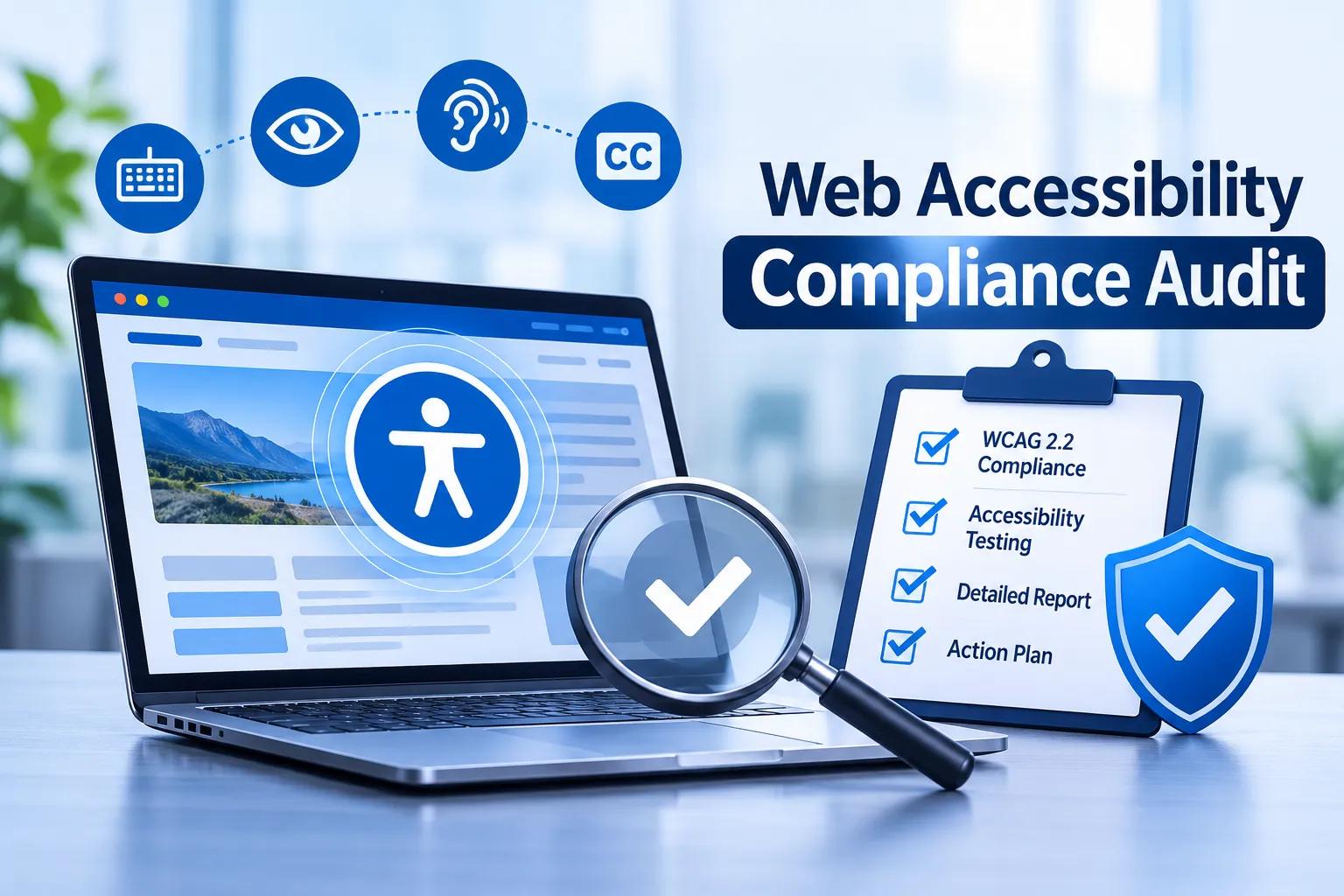
A web accessibility compliance audit is a structured review of your website or app that checks whether people with disabilities can perceive, operate, and understand your content. It combines automated scans, manual testing, and assistive technology checks, then compares the results against legal and technical standards. If you want to find barriers before they become complaints or lawsuits, this is where you start.
Why Does an Accessibility Audit Matter Now?
Accessibility is no longer a nice to have. Organizations face growing legal exposure, and users abandon sites they cannot navigate. A well run audit protects your brand, widens your audience, and gives your development team a clear list of fixes.
What Standards Should You Audit Against?
Most teams begin with a WCAG accessibility audit, since the Web Content Accessibility Guidelines are the global benchmark for digital inclusion. They are built around four principles: content must be perceivable, operable, understandable, and robust.
Legal frameworks sit on top of that benchmark. An ADA compliance audit helps businesses serving the public in the United States reduce the risk of discrimination claims. A Section 508 compliance audit applies to federal agencies and to vendors who sell digital products to them. Both lean heavily on WCAG criteria, so a single thorough audit can support several obligations at the same time.
What Should You Test During a Web Accessibility Compliance Audit?
The table below summarizes the core areas to review and the failures teams run into most often.
Audit Area | What to Test | Common Failure |
Text alternatives | Images, icons, charts, and buttons have meaningful descriptions | Decorative and informative images treated the same |
Keyboard access | Every action works without a mouse and focus is always visible | Dropdown menus that trap the cursor |
Color and contrast | Text stands out from its background in every state | Light grey placeholder text on white fields |
Forms and errors | Labels, instructions, and error messages are clear and announced | Errors shown only through a red border |
Structure and headings | Logical heading order and landmarks guide navigation | Headings chosen for visual size, not meaning |
Multimedia | Captions, transcripts, and audio descriptions are available | Training videos with no captions |
Dynamic content | Pop ups, alerts, and live updates reach screen reader users | Cart updates that happen silently |
How Do You Test Beyond Automated Scans?
Automated tools catch only a portion of real barriers. They can flag a missing label, but they cannot tell you whether a label makes sense. Manual testing fills that gap.
Consider a retail checkout flow. An automated scan may pass every field. A tester using only a keyboard might discover that the payment step cannot be reached because a promotional banner steals focus. A screen reader user might hear a vague "button" instead of "apply discount code." Neither problem appears in a scan report, yet both can block a purchase.
For that reason, a reliable audit includes keyboard walkthroughs, screen reader sessions on common browser and device combinations, zoom and text resizing checks, and testing with people who use assistive technology daily.
How Often Should You Repeat an Audit?
Treat an audit as a recurring practice, not a single event. Every redesign, new feature, plugin update, or content campaign can reintroduce barriers. A healthy rhythm includes a full audit after major releases, lighter checks during each development cycle, and ongoing monitoring between reviews.
A healthcare provider, for example, might fix its appointment booking pages and feel finished, only to publish new PDF forms a few weeks later that screen readers cannot read. Regular reviews catch that drift early.
Should You Use Accessibility Compliance Services?
Internal teams often know the product best but may lack specialized testing experience. Professional accessibility compliance services bring trained auditors, repeatable methods, and clear remediation guidance. They also provide documentation that shows good faith effort, which matters if your compliance is ever questioned. Many organizations combine both approaches by letting specialists run the deep audit while internal teams handle day to day fixes.
What Should Your Audit Report Include?
A useful report does more than list problems. It should explain who is affected, which standard each issue relates to, how severe the barrier is, and how to fix it. Prioritize issues that block core journeys such as sign up, search, checkout, and support. Quick wins build momentum, while deeper design fixes can be scheduled into your roadmap.
Start Your Accessibility Journey With Confidence
Accessibility is a continuous commitment, and every barrier you remove opens your digital doors to more people. Tranistics Data Technologies Private Limited helps organizations audit, fix, and maintain accessible digital experiences. You can begin right away with the Tranistics Data Technologies accessibility checker tool, which helps you identify issues across your pages and prepare for deeper manual review. Reach out to our team today to schedule your web accessibility compliance audit and turn compliance into a lasting competitive advantage.